2026-05-14
How to Host a Private Java/Angular Demo Recruiters Can Open in One Click
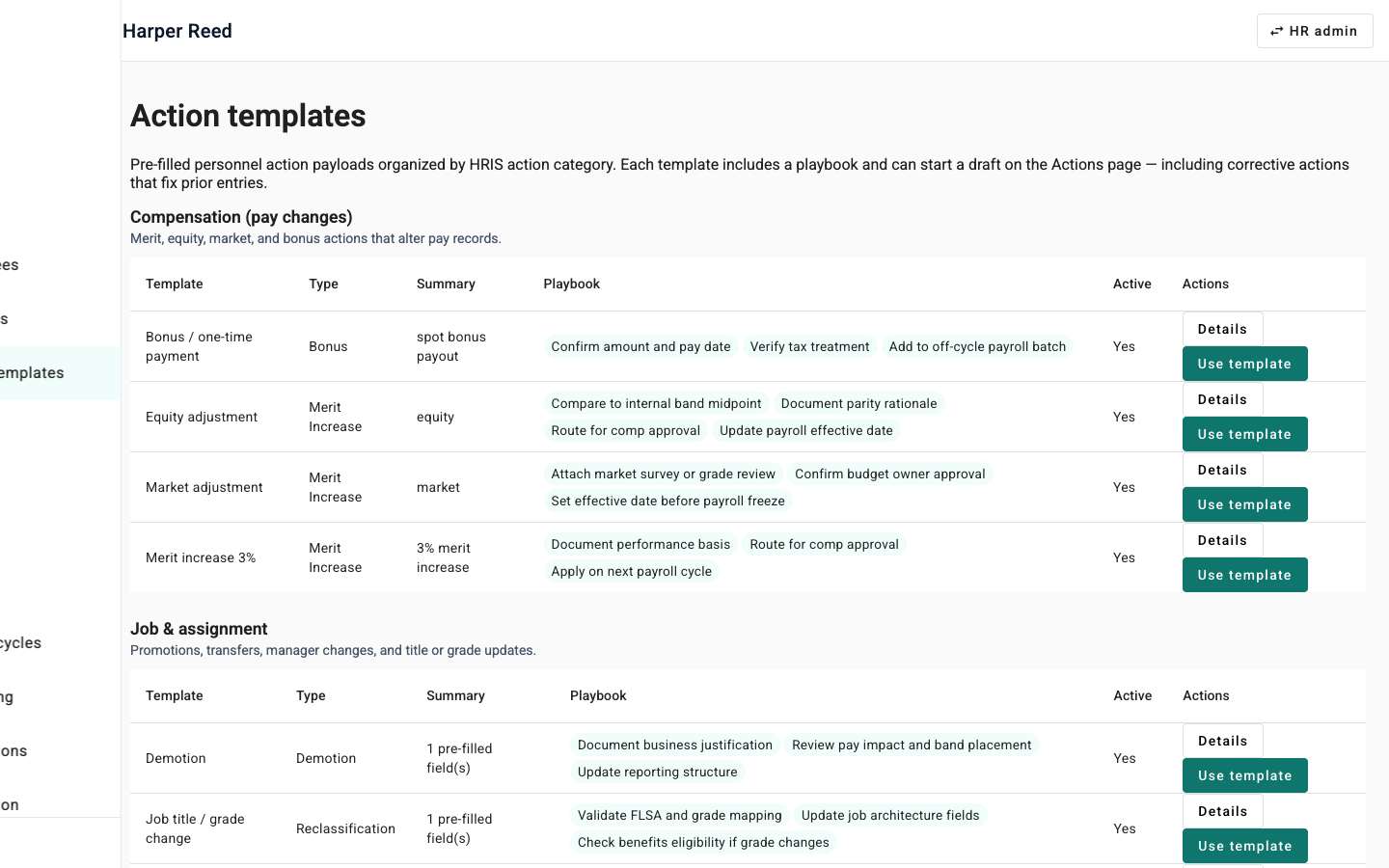
Part of Building PRANI OPS: Technical Notes. See also the PRANI OPS case study.
Introduction
The hook
You built a serious stack: Spring Boot, Angular, Postgres, Flyway, JWT roles. Nice.
A recruiter has twelve minutes between calls. They are not going to clone your monorepo, install JDK 21, start Docker Compose, and fight port 5432.
If the only path is “run it locally,” the project dies in the inbox — I’ve watched it happen.
The objective
You will learn how PRANI OPS stays private on GitHub while still offering a one-click hosted demo:
- One Docker image that serves the Angular SPA and the API together.
- Managed Postgres + Flyway seeds so login works on first boot.
- Env vars that make CORS and cookies honest in production.
- A portfolio case study that links the live URL, source shared on request.
Prerequisites
- A Spring Boot + frontend monorepo (or willingness to copy the pattern)
- A Railway (or similar) account
- Comfort with Docker and basic DNS later for a custom domain
Body
Step 1: Decide what “demo” means
For PRANI OPS, demo means:
| Must work | Can wait |
|---|---|
| Login with seeded roles | Public GitHub |
| Real UI against real API + DB | Production ADP / Stripe wiring |
| HTTPS URL anyone can open | Perfect custom domain on day one |
Integrations that are stub or config-gated stay that way. Recruiters respect honesty more than a fake “connected to Workday” badge.
Step 2: One service, not three micro-deploys
Locally you might run Angular on :4200 and Spring on :8080. For a recruiter demo, that split is friction.
PRANI OPS builds Angular into Spring’s static classpath, then runs one container:
Browser  →  https://your-demo-host/
              ├─ /*           Angular SPA (Spring static)
              └─ /api/v1/**   REST API
                    └─ Postgres (Railway plugin)
Deploy from the repo root (Dockerfile + railway.toml), not from backend/ alone. Add a Postgres plugin and wire DATABASE_URL.
Step 3: Env vars that matter on day one
Minimum production-shaped set:
| Variable | Why |
|---|---|
SPRING_PROFILES_ACTIVE=prod | Prod security defaults |
DATABASE_URL | Railway Postgres (entrypoint can map URI → JDBC) |
PRANIOPS_JWT_SECRET | ≥32 random chars |
MFA_ENCRYPTION_KEY | ≥32 random chars |
APP_URL | Public origin (Railway URL first) |
PRANIOPS_CORS_ORIGINS | Same origin(s): comma-separate if you keep Railway + custom domain |
MAIL_ENABLED=false | Demo does not need outbound mail |
KAFKA_ENABLED=false | Keep the surface small |
Smoke tests after deploy:
GET /api/v1/health→ 200- Open
/login→ sign in with a seeded account - Hit one authenticated page (inbox, actions, or enrollment)
Step 4: Seed accounts are product, not an afterthought
Flyway (or your migration tool) should create named demo users with a shared password documented on the case study, for example HR admin, employee, manager.
If the database is empty, the URL is a brick. Treat seed data as part of the deploy contract, same as the health check.
Step 5: Portfolio links the demo; GitHub can stay private
On the personal site:
- Featured project card → case study
- Primary CTA → Open live demo (hosted URL)
- Secondary → lo-fi prototype or “source on request”
You do not need to flip the repo public to prove the work. You need a URL that survives a phone screen share.
Step 6 (optional): Custom domain later
When DNS is ready, add the Railway custom domain (CNAME + ownership TXT), then point APP_URL / CORS at https://demo.yourdomain.com. Keep the *.up.railway.app host as a fallback until certs are green.
Conclusion
Summary
- Recruiters open links; they do not bootstrap JDKs. Plan accordingly.
- Ship one container: SPA + API + managed Postgres.
- Seeded logins and a health check are part of “done,” not stretch goals.
- Private source + public demo is a totally valid portfolio strategy.
Call to action
Try the live demo: darrellkilo.com/praniops (fallback: Railway URL on the case study).
Password for seeded users is on the case study page.
Building something similar? I’d start with health + one happy-path login before you polish DNS.
Series note
Next up in this series: how HR action templates actually mutate employee records on effective date, not just flip a status field.